
The Ultimate Spring Home Maintenance Checklist for Smart Home Owners
Date: April 6, 2026
Read time: 7 minutes
Key Takeaways
- Spring is the ideal time to review and update your home systems.
- Smart home maintenance goes beyond cleaning and includes system checks.
- Security systems, cameras, and sensors should be tested regularly.
- Lighting, automation, and audio systems benefit from seasonal adjustments.
- A proactive checklist helps prevent issues before they become costly.
Spring in South Carolina brings warmer temperatures, longer days, and a shift in how we use our homes. From Myrtle Beach to the broader Grand Strand, homeowners start opening windows, spending more time outdoors, and preparing for the busy months ahead. It’s the season for cleaning, organizing, and getting everything back in shape after winter. But while many focus on decluttering closets and washing windows, smart home systems often get overlooked.
If your home includes security systems, automation, audio, or other smart devices, spring is the perfect time to give everything a full checkup. Coastal conditions like humidity, salt air, and seasonal storms can impact outdoor equipment and overall system performance. A well-maintained system helps prevent problems, improves efficiency, and keeps your home running smoothly.
This spring home maintenance checklist is designed specifically for smart home owners in South Carolina who want to make sure their technology is working just as well as the rest of their home.
Why Smart Homes Need Seasonal Maintenance
Smart home systems are built to simplify daily life, but like any technology, they require occasional attention. Software updates, battery replacements, and system testing are all part of keeping things running reliably.
Seasonal maintenance is especially important because changes in weather and daylight can affect how your systems perform. Cameras may need adjusting due to changing sunlight angles, lighting schedules may no longer match daylight hours, and outdoor devices may have been affected by winter conditions.
Taking the time now to review your systems helps ensure everything works properly when you need it most.
1. Check and Test Your Security System
Start with your security system. Test your alarm to make sure it activates properly and sends alerts as expected. Check all door and window sensors to confirm they are functioning correctly.
If your system includes monitoring, verify that contact information is up to date. This is also a good time to review user codes and remove any that are no longer needed.
Security systems are most effective when they are consistently used and properly maintained.
2. Inspect and Clean Security Cameras
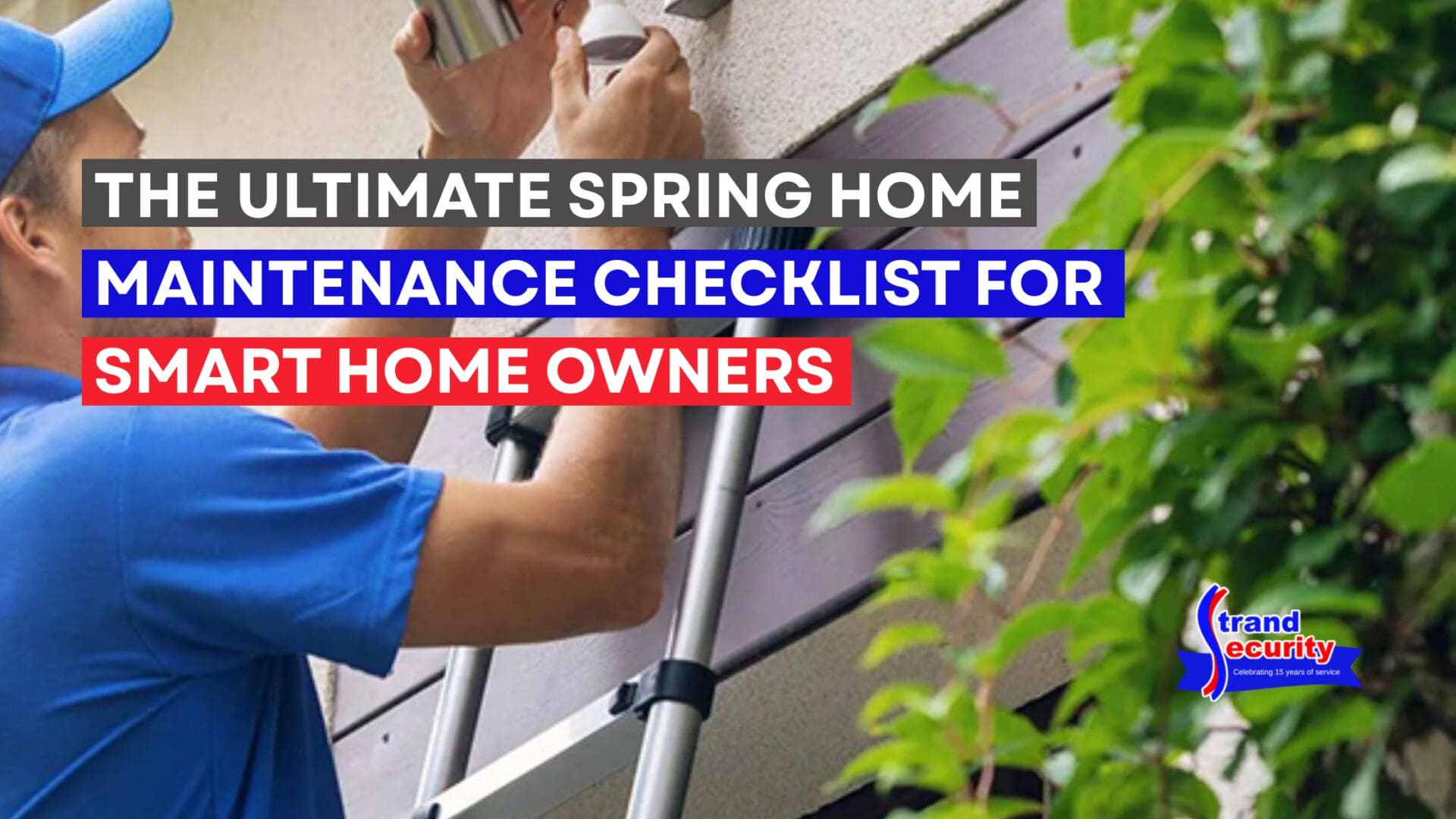
Outdoor cameras can collect dirt, pollen, and debris over time, especially after winter weather. Clean camera lenses carefully to ensure clear footage. Check camera angles and make adjustments if landscaping or outdoor furniture has changed. Make sure all entry points, driveways, and key areas are still fully covered.
It’s also important to review video quality both during the day and at night. Clear footage is critical if you ever need it for security or liability purposes.
3. Replace Batteries and Check Backup Power
Many smart home devices rely on batteries, including sensors, keypads, and detectors. Spring is a great time to replace batteries before they fail. Check the backup battery for your main system as well. Power outages can happen at any time, and your system should remain functional when they do.
A quick battery check now can prevent unexpected issues later.
4. Update Lighting and Automation Settings
With longer daylight hours, your lighting schedules may no longer align with your routine. Review and adjust timers for indoor and outdoor lighting to match the season. If you use automation scenes, such as evening lighting or morning routines, make sure they still fit your current schedule.
This is also a good time to test motion lighting outdoors and confirm it activates properly at night.
5. Review Smart Locks and Access Control
Take a few minutes to review who has access to your home. Update or remove any outdated codes and confirm that smart locks are functioning smoothly. Test remote locking and unlocking features through your mobile app to ensure everything is responding correctly.
If your household has changed over the past year, updating access control is an important step in maintaining security.
6. Check Your Audio and Home Theater Setup
Spring is also a great time to refresh your home entertainment experience. Test your speakers to make sure sound is balanced and clear. Check connections, update any software associated with your system, and ensure your control interface is working smoothly.
If you use outdoor speakers, inspect them for any wear or weather-related damage before the warmer months when they’ll be used more often.
7. Inspect Automated Shades and Window Treatments
If your home includes automated shades, test their operation and adjust schedules if needed. With the sun rising earlier and setting later, timing may need to be updated. Make sure shades are responding properly to controls and automation settings. Properly functioning shades can improve comfort, reduce glare, and support energy efficiency.
8. Run a Full System Check
Once you’ve reviewed individual components, run a full system test. Make sure everything works together as expected. Test your app or control panel to confirm that you can access all devices easily. Look for any delays, connectivity issues, or inconsistencies.
A fully integrated system should feel simple and reliable.
When to Consider a Professional Review of Your Smart Home Systems
While many maintenance tasks can be handled on your own, a professional review can identify issues that are easy to miss.
Technology evolves quickly, and a system that worked well a few years ago may benefit from updates or upgrades. A professional can evaluate your setup, recommend improvements, and ensure everything is optimized for performance.
For homeowners in Myrtle Beach and the surrounding areas, scheduling a seasonal check can provide added confidence that your system is ready for the months ahead.
Start the Spring Season with Confidence
Spring is about renewal, and that includes your home. Taking the time to follow a smart home maintenance checklist ensures that your systems are working properly, your security is up to date, and your home is ready for whatever the season brings.
A little attention now can save time, prevent frustration, and keep your home running smoothly all year long.
If you haven’t reviewed your system recently, this is the perfect opportunity to make sure everything is performing at its best.
Frequently Asked Questions
How often should I perform smart home maintenance?
It’s recommended to review your systems at least twice a year, with spring and fall being ideal times.
Do smart home systems require professional servicing?
Not always, but professional inspections can help identify hidden issues and ensure everything is optimized.
What is the most important part of spring maintenance for my smart home?
Testing your security system and replacing batteries are two of the most important steps.
Can I update my smart home system myself?
Basic updates and maintenance can often be done by homeowners, but more complex upgrades may require professional assistance.
Why is camera maintenance important?
Clean, properly positioned cameras ensure clear footage, which is essential for both security and liability situations.